
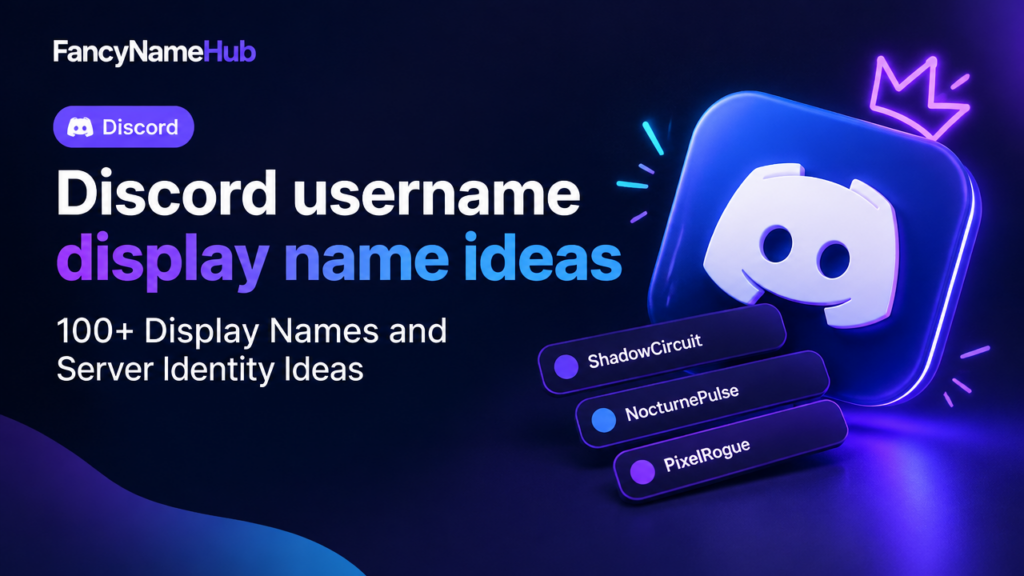
Discord username display name ideas: 100+ Display Names and Server Identity Ideas
Looking for a fresh Discord display name or a memorable server identity? This collection gives you 100+ distinct, ready-to-adapt names grouped by vibe (cool, short, aesthetic, gamer, fantasy, funny, professional and server/clan identities). Use the tips and checklist below to test readability, length and Unicode compatibility before applying names in Discord or other platforms. Remember: always verify availability on the service.
Naming tips: how to pick a great Discord display name
- Keep it readable: special fonts and symbols look cool but can break on some devices or screen readers.
- Length and limits: Discord nicknames are typically limited to around 32 characters — double-check in-app before finalizing.
- Use meaningful modifiers: adjectives, role words or simple numbers are better than random strings.
- Avoid personal data: never include phone numbers, full birthdates or sensitive info in usernames.
- Test across platforms: preview the name in different fonts and sizes before using it in important servers.
- Check rules and tone: match the name to the server’s vibe (professional, casual, gaming, fan community).
Quick compatibility checklist
| Check | Why it matters | How to test |
|---|---|---|
| Length | Too long names may be truncated | Type the nickname in Discord or use a name preview tool |
| Readability | Unreadable fonts reduce recognizability | View name in normal and bold fonts |
| Unicode & symbols | Some devices don’t render exotic characters | Preview on mobile and desktop; avoid obscure Unicode for critical names |
| Availability | Username formats or perfect matches may be taken | Try using the site preview and then check directly in Discord |
| Policy | Abide by Discord community rules | Don’t use hateful, sexual or illegal content |
Preview tools to try: FancyNameHub’s Discord username hub, Name Preview, the Fancy Font Generator for styling tests and Gaming Symbols to add safe icons.
Classic Cool display names (10 ideas)
- ShadowCircuit
- NocturnePulse
- GlassHorizon
- IronVigil
- VaporRift
- SolarEcho
- QuietVector
- NeonSentinel
- CrimsonLedger
- ObsidianDrift
Short & snappy names (10 ideas)
- Zeph
- R1ft
- Luma
- Kite
- Flux
- Sable
- Byte
- Argo
- Pip
- Nyx
Aesthetic and unicode-friendly display names (10 ideas)
Tip: use common Unicode like • ◦ ★ ✦ or simple accented letters; test on mobile to ensure consistent rendering.
- luna•drift
- ✦aerith✦
- violet◦haze
- serāph•song
- rêverie★
- elysian◦wind
- noir•paper
- auréa★
- mistrāl•
- celeste◦
FPS & competitive gamer tags (10 ideas)
- HeadshotHira
- Suppressor_7
- PulseTactix
- ZeroLagZed
- FlashPeek
- SlowHS
- ClutchCrafter
- SilencerPro
- RecoilArtist
- VantageScout
Roleplay & fantasy display names (10 ideas)
- Thornwarden
- RuneWeaver
- MoonlitBard
- IronwoodSeer
- Wispbound
- GaleHarbor
- Frostbinder
- Shadowmarrow
- Silvervein
- Hearthglow
Chill, emo, and moody names (10 ideas)
- GreySilence
- RainSoftly
- EchoesInTea
- StaticHeart
- LowLight
- PaperMoon
- QuietDust
- BlueLull
- FaintSignal
- Afterglow
Funny, witty and memorable names (10 ideas)
- LaggingLegend
- ToastOnPC
- PixelPajama
- MemeMaestro
- ButtonMasher
- SnackInterrupt
- PunIntended
- CursorNinja
- TypoKing
- AFK_Hero
Professional and streamer-friendly names (10 ideas)
- VishalStreams
- CodeWithAsha
- DesignByReena
- StudioNaman
- CreatorRiya
- TechTalk_Tanvi
- CraftedByAmit
- ProEdit_Studio
- VoiceOfKaran
- LiveWithMaya
Server & clan identity ideas (10 ideas with short clan tags)
Use a short tag (2–4 chars) for clan/server headers. Test tag readability in small lists.
- ThunderGuild [THG]
- MidnightNursery [MNT]
- IronHarbor Clan [IHC]
- PixelUnion [PXU]
- ValiantOrder [VOR]
- EchoVerse Community [EVC]
- NullPoint Collective [NPC]
- Starbound Syndicate [SBS]
- GildedBanner [GDB]
- LumenHaven [LMH]
How to finalize and test your chosen name
- Pick 3 top choices from the lists above.
- Use the Name Preview to see how they look in several fonts and sizes.
- Try subtle styling with the Fancy Font Generator and add safe icons from Gaming Symbols if desired.
- Verify the nickname and tag length in Discord (nicknames often max at ~32 characters — verify in-app).
- Test the name on mobile and desktop to confirm Unicode characters render correctly.
- Check community rules: avoid hateful, sexual, or illegal terms.
Frequently Asked Questions
Conclusion
This list gives you 100+ creative Discord display name and server identity ideas across 10 vibes—pick a theme, shortlist a few favorites, and test them using preview and font tools. Remember to check length, Unicode support and community rules before finalizing. For quick styling and symbol ideas, use FancyNameHub’s Discord hub and preview tools linked above.
Try the matching live generator
Use FancyNameHub to generate more variations, preview readability, check length and test the final name on your target game or social platform.

Start the Conversation
Share a useful tip, question or experience related to this guide.